
Searching Cases by Name
For a public Jewell County case search, the main official route is the Kansas District Court Public Access Portal. Its Smart Search help asks for a record number or a name first. Enter an individual as last, first, middle, suffix. Spell the name exactly when you know it. A common name can pull results from many counties. Add filters to cut the noise.
- Open the official Kansas portal rather than a commercial people-search page.
- Enter the party name in the documented order and complete the human check.
- Open Advanced Filtering Options and set Location to Jewell County.
- Choose party name as the Search Type when the interface offers that control.
- Narrow broad results by case type, status, file dates, or judicial officer.
- Open the matching result and compare the case number, category, location, file date, parties, and event history.
A name match is only a candidate case. Similar names, spelling changes, and thin date details can all create ambiguity about who is who. Before you rely on a result, confirm both the case number and the court.
| Search field | Use in a Jewell search |
|---|---|
| Name | Last, first, middle, suffix; spelling should match the known record. |
| Location | Select Jewell County to remove unrelated Kansas locations. |
| Case type | Narrow to a relevant category without assuming restricted types appear. |
| Case status | Limit results by the dynamic status options shown. |
| File dates | Use start and end fields when the filing period is known. |
| Judicial officer | Apply only when the assigned judge is known. |
Jewell Case Number First
A case number is the cleanest key. It points to one court record and skips the common-name noise entirely. So if a citation, notice, order, or filing gives you the number, search that first. Leave the party name for later. Then check that the result location says Jewell County. The case category should fit the document you hold.
The documented Smart Search interface lists case number under Search Type. Citation number is a separate choice. That split matters. A district-court traffic citation may become searchable through the statewide system, while a city ordinance citation may stay with the issuing municipal clerk. And a citation-number option is not proof that every Jewell County city runs an online municipal portal.
Searching by Case Number
Current Enterprise Justice/Odyssey numbers combine a county abbreviation, a four-digit year, a case-type abbreviation, and a six-digit sequence. For format only, a de-identified illustration is JE-2024-CR-000001. It is not a real case. Keep the hyphens and the type code when you enter a known number, and use the Jewell County location to validate what comes back.
Jewell cases before July 11, 2022 used a different format, per official help: year, case-type abbreviation, and six-digit number. A non-record example is 2022-CR-000001. If an older number fails in the current style, retry it exactly as printed and ask the clerk whether it predates Odyssey conversion. Never invent a prefix or sequence to force a match.
Older Jewell Number Pattern
Why July 11, 2022? That date marks the statewide eCourt rollout for the 12th Judicial District, and it is more than a formatting detail. Public converted documents from a pre-Odyssey system may be absent from the web portal. They remain public at the courthouse terminal. A newer case can lack an online image too, since document-level access depends on type, date, and restriction.
So a blank search leaves two separate questions. Was the search key entered in the right format? And is the material available on the web at all? Retry the exact number, strip an unneeded county prefix only when official help backs the legacy form, and turn to the terminal instead of concluding the file does not exist.
What a Case Search Returns
The result header can orient you before you open any filed document. Official help identifies case number, case type or category, filing date, case status, court location, judicial officer, parties and attorneys, hearing or event information, and eligible document links as possible fields. Not every field shows up in every public case.
| Case Number | The unique court identifier and the best key for a repeat search. |
|---|---|
| Case Type | The category assigned by the court, not a plain-language prediction of outcome. |
| File Date | The date the matter entered the court record. |
| Status | The current system label; read it with the event sequence. |
| Location | The court or county that holds the case. |
| Judicial Officer | The assigned or displayed judge where public. |
| Parties and Attorneys | Public names and roles available for the case type. |
| Events and Settings | Dated docket activity that may include future hearings. |
| Documents | Links to eligible public images, which are not guaranteed for every entry. |
A case-information display is not a certified court record. For a filed pleading, order, or certified copy, use the separate Jewell County court records process.
Jewell Case Search Filter Controls
Smart Search offers more than a single text box. Documented controls include registration and sign-in routes, reCAPTCHA, Advanced Filtering Options, a question-mark help control, Location, Search Type, party criteria, case criteria, Clear, and Submit. The fields come from the official portal help. Choices inside the live dropdowns can change.
| Field or control | Type | Use in a Jewell search |
|---|---|---|
| Case number or name | Text or search choice | At least one is required in the documented Smart Search flow. |
| Location | Dropdown | Select Jewell County to remove results from other Kansas courts. |
| Search Type | Dropdown | Choose case number, citation number, party name, or another supported key. |
| Party criteria | Text, dates, and options | Can include person, business, nickname, Sounds Like, date range, and documented identifier fields. |
| Case criteria | Dropdowns and dates | Can narrow by case type, status, filing dates, or judicial officer. |
| reCAPTCHA | Verification | Complete the human check before submitting when prompted. |
| Clear and Submit | Buttons | Reset the criteria or run the search. |
The official help does not print every option inside the dynamic dropdowns, so treat no fixed list as exhaustive for Jewell County. Start simply, add Location, and bring in one filter at a time. Too many uncertain filters can hide the right result just as easily as too few can broaden it.
Statewide vs County Case Search
Jewell County runs no separate district-court database apart from Kansas eCourt. The statewide portal serves as the search layer, while the Clerk of the District Court acts as the local office and counter for Jewell district-court records. The courthouse terminal can also expose public converted material that the web interface does not reach.
| Route | Best use | Key limit |
|---|---|---|
| Kansas Public Access Portal | Free public district-court case details and eligible documents. | Restricted cases and some older documents do not appear online. |
| Jewell courthouse terminal | Public terminal access, including some converted documents. | Requires courthouse access and remains subject to restrictions. |
| District clerk | Clarify status, locate a public file, or request a court product. | No Jewell email intake or complete local fee schedule was located. |
| Municipal clerk | City ordinance and municipal-traffic matters. | Not a statewide district-court search. |
Jewell Guest and Smart Search
The state describes its two search tools in different places. The descriptions do not quite match. Guests can view basic case details, one says. The fields include a search term, Search Type, filters, case type, date of birth, file dates, a human check, and Reset. The Smart Search help adds more: registration or sign-in, reCAPTCHA, and expanded criteria.
So read both carefully. Guests likely get basic access, while Smart Search may require registration or ID.me approval. ID.me belongs to approved elevated users, not everyone. Screens change, so trust the labels you see during the live search.
eFlex Is Not Case Search
Kansas Courts eFiling at eFlex/Tybera is a filing workflow. It is not a docket database. Authorized users see User Name and Password fields, plus password recovery, registration, and support routes. They file new cases and later documents there. Kansas rules require electronic filing for covered attorneys. None of that turns eFlex into a public Jewell County case lookup.
Keep the systems separate: search public case information in the Kansas Public Access Portal; use eFlex only for an authorized filing workflow.
You do not need an attorney filing account to run a basic Jewell County case search. And an eFlex login grants no automatic entry to sealed, expunged, juvenile, or other protected material.
When Jewell Search Is Blank
A blank result does not prove the record is missing. Retry the known case number first, checking both current and supported legacy formatting. Confirm you searched Jewell County. Drop speculative filters. Use the documented name order, and consider whether the case sits in municipal rather than district court. Still nothing? Use the courthouse terminal or call the Clerk of the District Court at 785-378-4030.
- Confirm spelling, hyphens, year, type code, and county location.
- Search by case number before using a broad party-name query.
- Ask whether the file predates Odyssey and has terminal-only converted documents.
- Identify whether a city clerk, Kansas district court, or federal court is the real custodian.
- For a specified public record, use the Kansas court records request route and ask for a fee estimate.
- If access is restricted, ask the custodian which statute, rule, or order controls.
Never try to work around a restriction. Sealed cases, adoption matters, expunged records, many juvenile and child-in-need-of-care files, grand-jury proceedings, and other protected categories can be absent from both public web and terminal views.
Access and Restricted Cases
Kansas Supreme Court Rule 22 governs public electronic court access. Kansas statutes and court orders shield particular records. The public portal splits the case-information layer from document access. A header or event can still be visible. Its document may be unavailable, and a public older document may sit at the terminal only. The flip side holds too. Sealed records stay sealed even if you visit the courthouse.
The clerk may confirm a public file exists but is not online. In that case, inspect it at the terminal or send a specific written request. Name Jewell County District Court. Give the case number or category, the document and date range, your preferred delivery, and your contact details. Where protected and public portions coexist, the custodian applies the controlling redaction or withholding rule.
Official Jewell Case Search Interfaces
The Kansas eFiling portal shows the filing system that stays separate from public lookup.
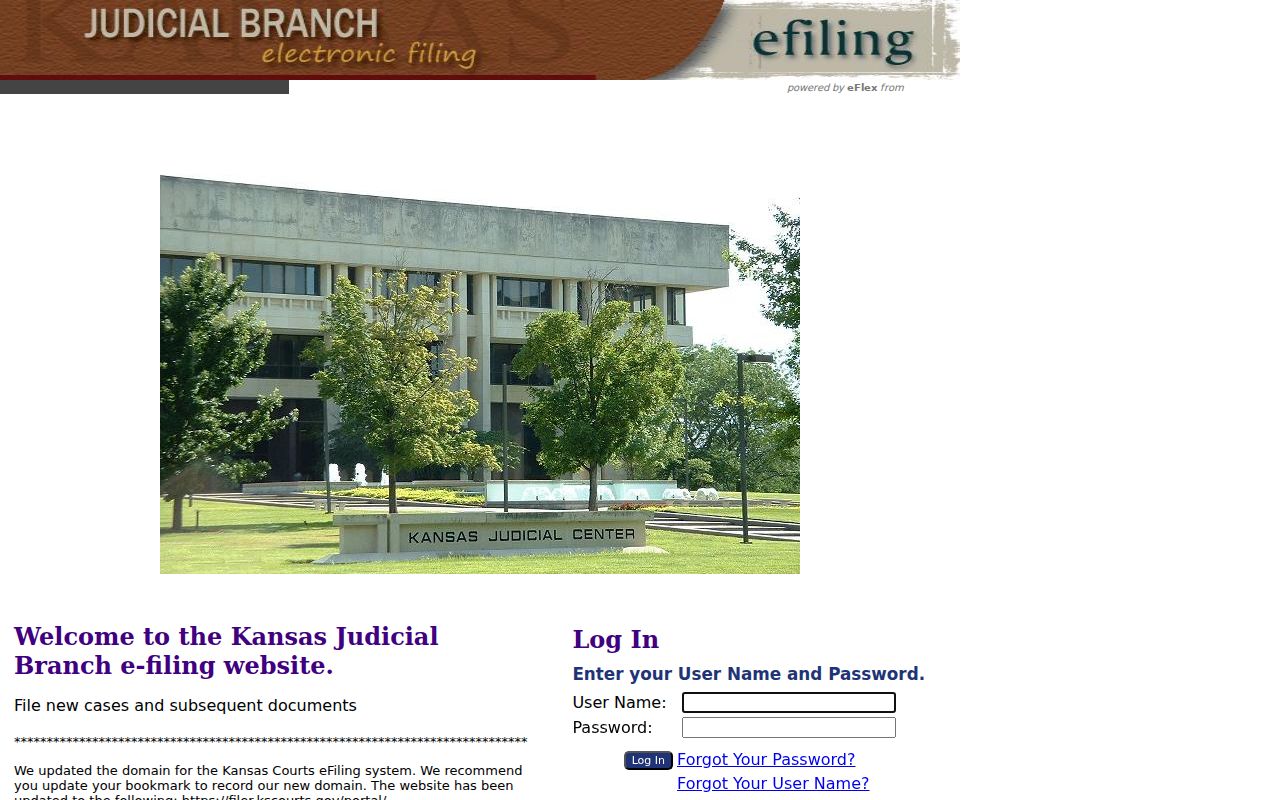
Its login-centered screen serves filers, not case-information searches. An official Kansas district court records page explains portal and courthouse access.
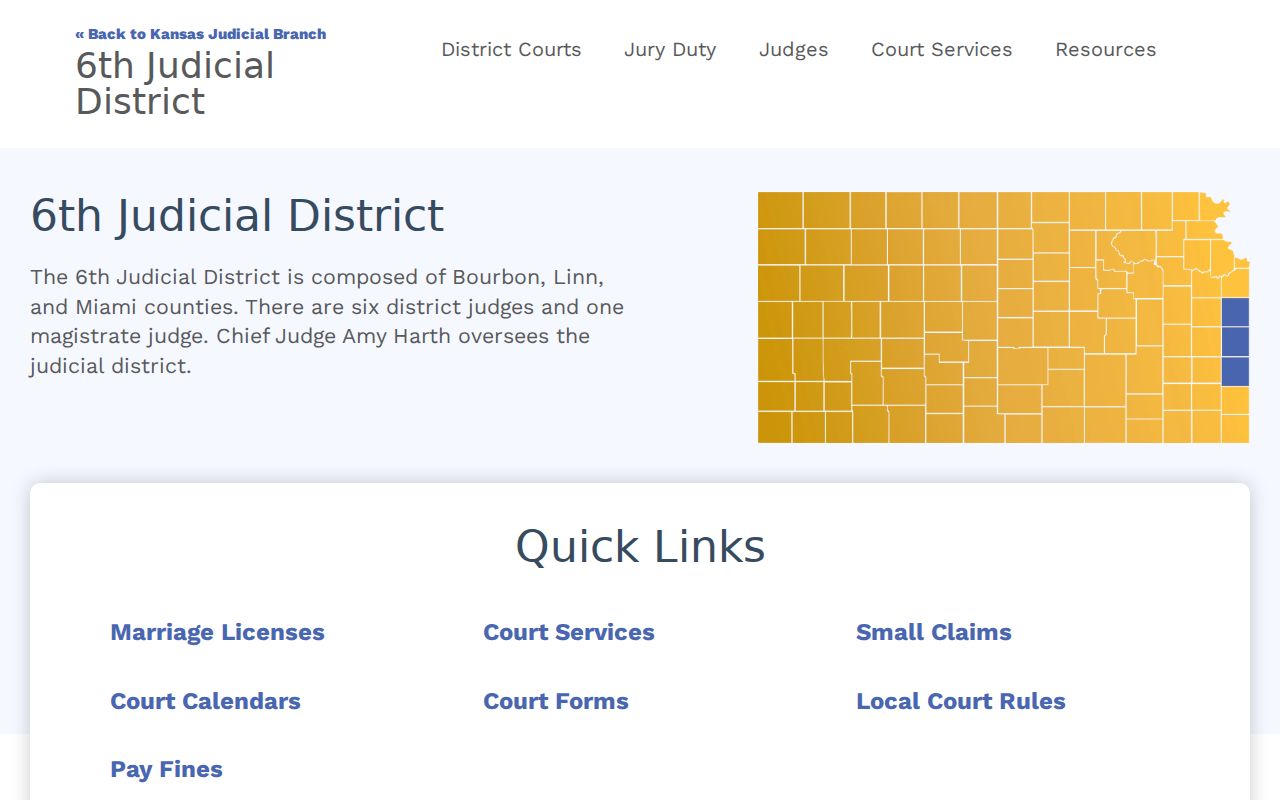
That official page backs the web-to-terminal fallback for Jewell district records. The current official Kansas public case-search application presents guest search controls.
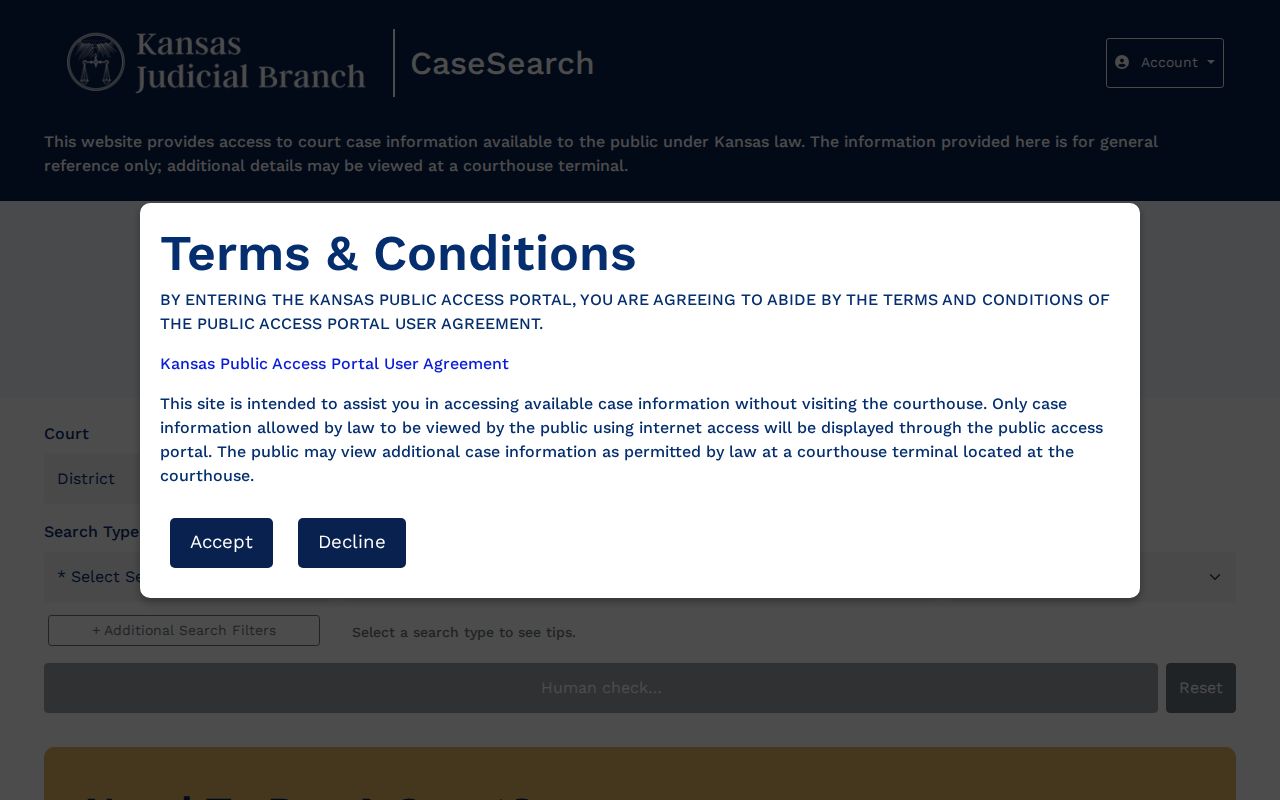
Its visible fields explain why Search Type, date filters, and the human check may differ from the older Smart Search help flow.